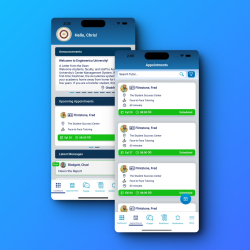
Accudemia offers great flexibility when it comes to working remotely with students. There’s the nonexclusive approach, which lets you use any meeting platform of your choice, and there’s an exclusive integration with Zoom that has some advantages and specific requirements over the other method.
These are the configurations required for each scenario:
Accudemia
Your center helps more students than you can prove
Accudemia records every visit, appointment, and session on its own, then builds the reports deans, funders, and accreditors ask for. One college counted over 4,000 visits its previous tools had missed.
96 percent renewal across 500+ academic centers

Option 1: Using Direct Integration with a Paid Zoom Account
To set up Accudemia this way, administrators will need to:
- Go to the Control Panel > Virtual Sessions and check Enable third-party meeting integrations
- Go to the Control Panel > Virtual Sessions and uncheck Enable ‘Connect Link’ field for users
Staff members will then need to follow the steps in the video.
View and Share the Video Guide for Staff Members >
Option 2: Using Other Meeting Platforms
To set up Accudemia using a meeting platform other than Zoom, administrators will need to:
- Go to the Control Panel > Virtual Sessions and uncheck Enable third-party meeting integrations
- Go to the Control Panel > Virtual Sessions and check Enable ‘Connect Link’ field for users
Staff members will then need to follow the steps in the video.
View and Share the Video Guide for Staff Members >