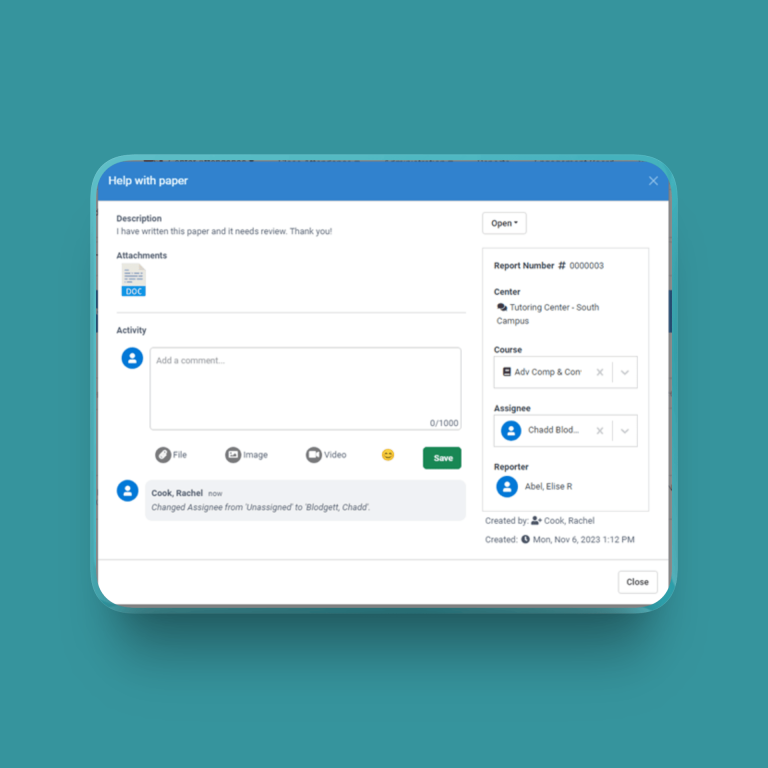

I absolutely love the Accudemia Tutor Tracking Software! The implementation of the software is seamless from one semester to the next. The software provides our students an easy platform for scheduling tutoring appointments. The number of reports at my fingertips are phenomenal. The staff at Engineerica are customer service centered. They provide us with wonderful webinars that are prevalent to our learning centers. When I first implemented the program, they were so quick to assist me with my questions. So glad I switched my lab to Accudemia!
Marie Bernard
Southeastern Louisiana University


Accudemia is a scheduling program with a sleek look and easy navigation. Our tutoring center is really pleased with its performance from speed, access, and supporting staffs. Unlike others, Accudemia support staffs are attentive and quick in solving technical problems. Their solutions are details and easy to follow. In addition, Accudemia gives a thorough training, videos tutorial, and details instructions. What a great program and excellent customer service!
Phebe Dollan
Rochester University


Accudemia helps our department make good on the mission of helping students on their path of success. When students schedule with our office it puts us in a position to communicate on a personal level for each student.
Andrea Pool
Oral Roberts University


Accudemia made managing my center, even at a distance, easier and uncomplicated. It allowed for better reporting of center activities, and helps with promoting accountability among tutors and students.
Dr. Carolyn Stubbs
Oral Roberts University

Austin Community College has experienced marked advances in collecting and recording information with the integration and launching of Accudemia across the district. The flexibility and ease with which the application can be managed and configured has allowed multiple departments to track, monitor, and report on numerous activities. The data collected fulfills vital departmental requests resulting in opportunities for process improvements and ultimately an increase in student success.
Tray Cushing
Austin Community College

Absolutely fantastic support team. I am so incredibly impressed with your response to the need to switch to virtual tutoring and the speed with which you updated your systems. I just spent almost 2 hours on the phone with Nick and Jorge, and they walked me through this process step-by-step and fixed any issues along the way. Amazing! UT Austin School of Nursing is IMPRESSED.
LC
Happy User - Google Review


We have been so pleased with Accudemia! The product fits our Center's scheduling needs very nicely. Furthermore, their support team is very responsive, patient, and helpful. It was definitely the right choice for us!
Meredith Hoch-Oescher
Gwynedd Mercy University


Accudemia provides easy-to-find on-campus and off-campus access for students to connect with a student success advisor. The aspiration will be to promote active use of academic advising support by students who identify as first-generation as they transition into college at Monmouth and throughout their educational progress toward a degree.
Claude E. Taylor
Monmouth University


Accudemia helps to provide a more coordinated and organized effort to academic support. Whether it be its kiosk function or helping to reserve a class tutor, Accudemia makes the process seamless for the student-athlete, and thus making it easier to achieve our desired academic results
Tom Bieber
Monmouth University
